
Blogging is more than just writing. A single blog post often involves topic research, outlining, drafting, editing, formatting, and basic SEO checks. For solo bloggers and beginners, managing all of this can feel overwhelming especially without a budget for premium tools.
Many bloggers also explore broader tool options, which we covered in our detailed guide on Best AI Tools for Blogging in 2026.
The good news is that you don’t need paid software to get started. Today, many free AI tools for blogging can support different parts of the blogging process. When used correctly, these tools can save time, reduce errors, and help you stay consistent without replacing your unique voice.
In this guide, we’ll explore the best free AI tools bloggers can use, what each tool is best at, and how to include them in a realistic blogging workflow.
Why Bloggers Choose Free AI Tools
Free AI tools are popular because they lower the barrier to entry. Bloggers use them to:
- Generate blog ideas when creativity feels blocked
- Create outlines and structure content faster
- Improve grammar and readability
- Reduce manual effort in editing and formatting
- Maintain consistency without burning out
Bloggers who focus on content quality and search visibility often use AI alongside SEO strategies, as explained in How Bloggers Use AI Tools for Content Writing and SEO.
For new bloggers, free tools are often enough to publish high-quality content regularly.
Best Free AI Tools for Blogging

1. ChatGPT (Free Version)
ChatGPT is one of the most widely used AI tools among bloggers.
How bloggers use it:
- Brainstorming blog topics
- Creating content outlines
- Writing introductions and conclusions
- Rewriting paragraphs for clarity
The free version has daily limits, but it’s still very effective when used for planning and drafting rather than full automation.
2. Grammarly (Free Plan)
Grammarly focuses on improving writing quality rather than generating content.
Best for:
- Grammar and spelling corrections
- Sentence clarity improvements
- Tone consistency
It’s especially useful for bloggers who want clean, professional writing without changing their personal style.
3. Hemingway Editor
Hemingway Editor helps make content easier to read.
Why it’s helpful:
- Highlights complex sentences
- Suggests simpler wording
- Encourages short, clear paragraphs
This tool is ideal if your goal is to make blog posts accessible to a wider audience.
4. Google Docs (Built-in Smart Features)
Many bloggers underestimate Google Docs as an AI-assisted writing tool.
Useful features include:
- Grammar and spelling suggestions
- Voice typing for faster drafting
- Easy formatting and version history
Since it’s cloud-based, it’s reliable for long-form blogging..
5. Notion AI (Limited Free Access)
Notion is popular for content planning and organization.
Best use cases:
- Managing blog ideas
- Creating content calendars
- Storing outlines and drafts
Even with limited AI access, Notion is excellent for staying organized.
6. QuillBot (Free Version)
QuillBot helps with paraphrasing and rewriting.
How bloggers use it:
- Rewriting sentences for clarity
- Avoiding repetition
- Improving flow in long articles
It’s useful when refining drafts rather than creating original content.
7. Canva (Free Version)
Visual content matters in blogging, and Canva makes it easy.
Best for:
- Blog images
- Featured images
- Simple infographics
Canva’s AI-assisted design tools help non-designers create professional visuals.
How to Use Free AI Tools in a Blogging Workflow
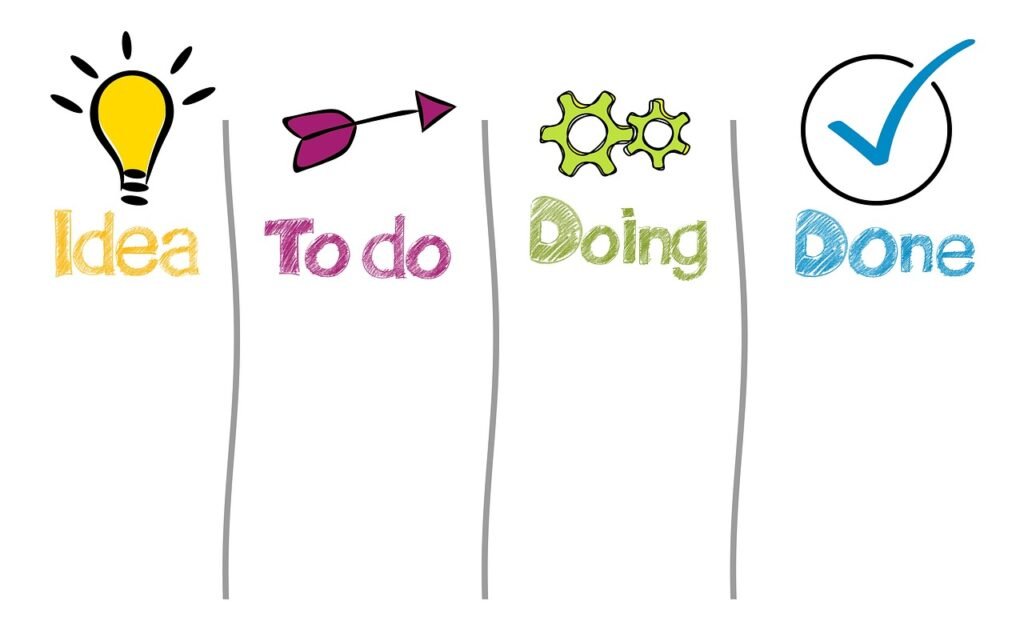
Here’s a simple, realistic workflow using only free tools:
- Topic & Outline → ChatGPT or Notion
- Draft Writing → Google Docs
- Clarity & Rewriting → ChatGPT or QuillBot
- Editing → Grammarly + Hemingway
- Visuals → Canva
This approach also supports long-term consistency, which we discussed in How AI Tools Help Bloggers Stay Consistent with Content Creation.
This approach keeps your writing human while reducing repetitive work.
Free AI Tools for Different Blogging Tasks
Not all AI tools serve the same purpose. Some are better for writing, while others support editing, visuals, or planning. Understanding which tool fits each task helps bloggers avoid unnecessary complexity.
Free AI Tools for Blog Idea Generation
When you don’t know what to write next, AI tools can help spark ideas.
- ChatGPT – Suggests blog topics based on your niche
- Google Trends – Shows trending topics and seasonal interest
- Answer-based tools – Help uncover common questions readers ask
These tools are especially helpful when planning content calendars.
Free AI Tools for Draft Writing
Drafting is often the most time-consuming part of blogging.
- ChatGPT (Free) – Helps create rough drafts and expand ideas
- Google Docs Voice Typing – Speeds up writing for long articles
The key is to treat AI drafts as a starting point, not a final product.
Free AI Tools for Editing and Readability
Clear writing improves user experience and time on page.
- Grammarly – Fixes grammar and spelling mistakes
- Hemingway Editor – Improves readability and sentence clarity
Using both together creates cleaner, more professional content.
Free AI Tools for Visual Content
Visuals support engagement and make blog posts more attractive.
- Canva (Free) – Blog images and featured graphics
- Built-in templates – Save time and keep designs consistent
You don’t need design skills to create clean visuals.
Free AI Tools vs Paid AI Tools for Blogging
Many bloggers wonder whether free tools are enough or if paid tools are necessary.
What Free AI Tools Do Well
- Support basic writing and editing
- Help with planning and structure
- Reduce errors and save time
Limitations of Free AI Tools
- Daily or monthly usage limits
- Fewer advanced customization options
- Limited automation
For most beginners and intermediate bloggers, free tools are more than sufficient. Paid tools become useful only when scale and speed become critical.
Tips for Using Free AI Tools Without Losing Your Voice
One common concern is that AI-generated content may feel robotic. To avoid this:
- Always rewrite introductions in your own words
- Add personal explanations or examples
- Break long paragraphs into shorter ones
- Read the content aloud before publishing
Your experience and tone are what make the content trustworthy.
Are Free AI Tools Safe for AdSense Blogs?
Yes. Using AI tools does not violate AdSense policies.
What matters:
- Content originality
- Usefulness to readers
- Clear structure and readability
As long as you review and improve AI-assisted content, your blog remains AdSense-safe.
When Should Bloggers Consider Paid AI Tools?
Paid tools may be useful when:
- You publish content at high volume
- You manage multiple blogs or clients
- You need advanced automation or analytics
Until then, free AI tools provide excellent value.
Common Mistakes Bloggers Make with Free AI Tools
To stay safe and effective, avoid:
- Publishing AI output without editing
- Using the same prompts repeatedly
- Relying on one tool for everything
- Ignoring originality and personal experience
AI should assist your process not replace your judgment.
Are Free AI Tools Enough for Long-Term Blogging?
Yes, especially in the early and middle stages. Many successful blogs started using only free tools. As your blog grows, you may explore paid options, but free AI tools are more than enough to build consistency, improve quality, and grow confidence.
Final Thoughts
You don’t need paid software to blog effectively. With the right combination of free AI tools for blogging, you can plan, write, edit, and publish content efficiently while keeping your voice natural and authentic. The key is thoughtful use AI helps, but your human touch makes the content valuable.
FAQ
Can free AI tools help beginners start blogging?
Yes. They make learning and publishing much easier.
Is it safe to use AI tools for blog writing?
Yes, as long as you review, edit, and personalize the content.
Will Google penalize blogs that use AI tools?
No. Google evaluates content quality, not how it was created.
Can free AI tools replace human writers?
No. They support writing but cannot replace human judgment or experience.
Do professional bloggers use free AI tools?
Yes. Many professionals still use free tools for drafting and editing.
How many AI tools should a blogger use?
Usually 3–5 tools are enough to cover writing, editing, and visuals.